Availability: 7 in stock
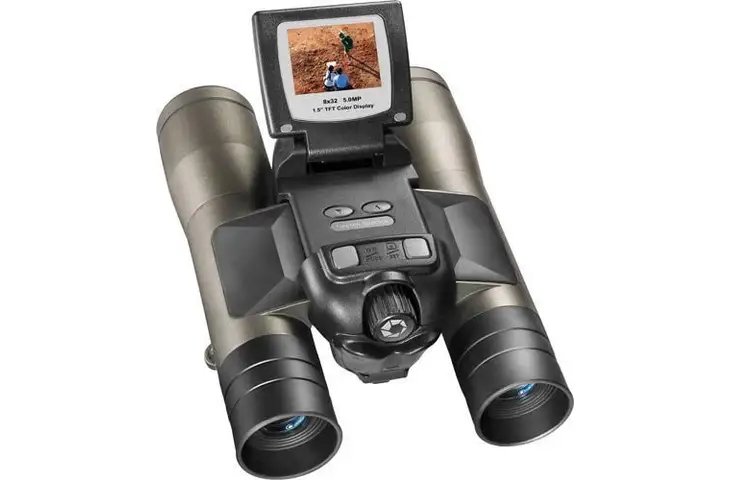
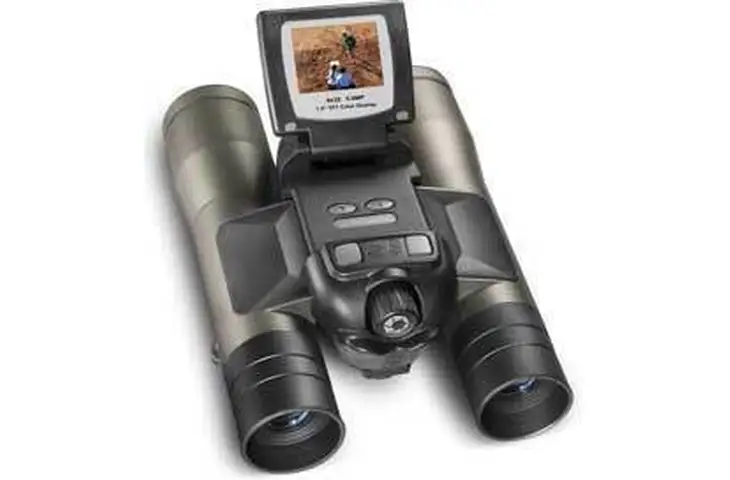
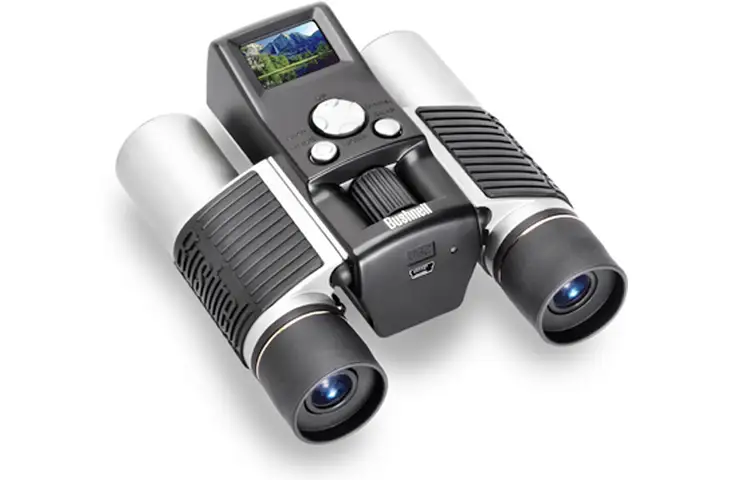
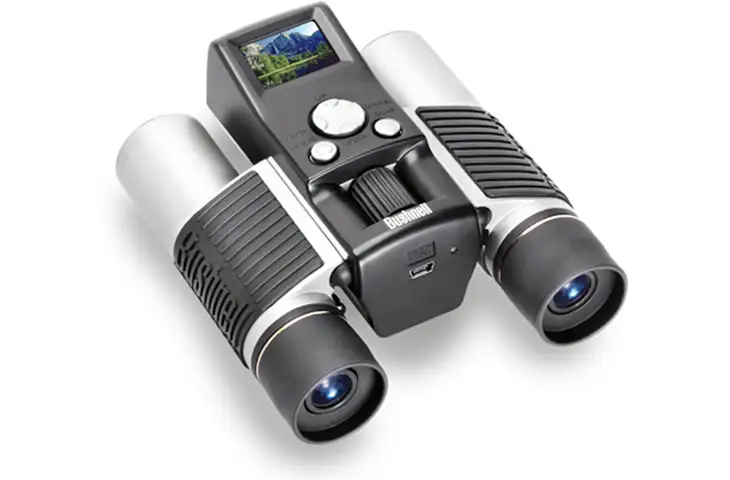
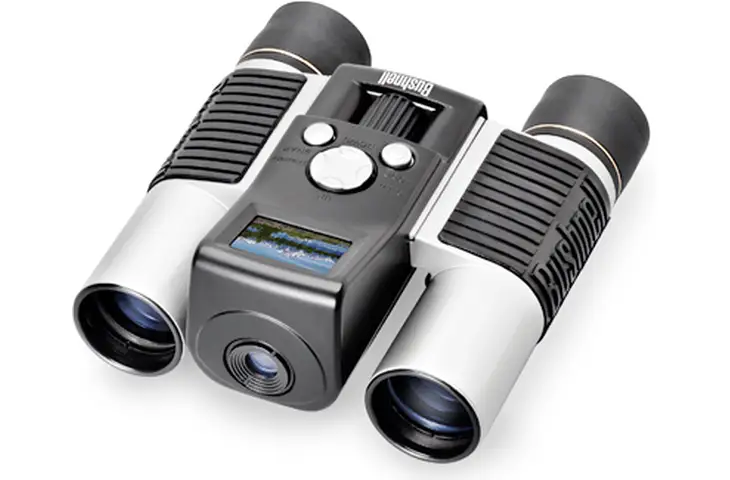
Our best seller Bushnell 10×25 ImageView Digital Binoculars is now available with Built-in LCD Display, and at our store we have it for less! In fact, we challenge you to find a better deal on a brand new digital binocular camera with LCD screen!
Specifications for Bushnell 10×25 Image View Digital Camera Binoculars with LCD 111210:
| Magnification: | 10x |
| Objective Diameter: | 25mm |
| Camera Magnification: | 8x |
| Megapixels: | .35 |
| Resolution: | 640 x 480 |
| Memory: | 8 MB |
| Max. ammount of images: | high resolution:80
low resolution:300 |
Features of Bushnell 10×25 ImageView Digital Camera Binoculars with LCD 111210:
Package Contents:
Bushnell ImageView Binoculars Information & Frequently Asked QuestionsBUSHNELL BUSHNELL IMAGEVIEW DIGITAL CAMERA BINOCULARS FEATURES
BUSHNELL IMAGEVIEW DIGITAL BINOCULARS CAMERA FREQUENTLY ASKED QUESTIONSQ: How do I focus the Bushnell ImageView Digital Binocular Camera? How close can I get for sharp digital binoculars photos? How close will the Bushnell Image View binoculars focus? A: The camera part of the Bushnell ImageView digibino is has its own optics, independent of the binocular. The Bushnell Image View camera lens has a preset focus which is optimized for distances of 40 feet and further away (as binoculars are normally used for viewing of distant subjects). If you try to take photos of objects closer than 40 feet, they will not be sharp. The Bushenll ImageView binoculars, however, will allow you to focus as close as 15 feet. Q: How powerful is the Bushnell ImageView camera? A: The Bushnell ImageView camera has an 8 power magnification (objects in your photos will appear 8 times closer), the built-in binocular provides 7x, 8x, or10x magnification depending on the Bushnell ImageView binoculars model. Because of the high magnification, it is important to hold the Bushnell ImageView binoculars steady for best results. Q: How long will the batteries last in a Bushnell ImagView Binoculars? What kind of camera battery should/can I use? A: Alkaline batteries (AAA size) are recommended, and should last for approximately 400 pictures. (As noted below, the internal memory holds 80 or 300 photos, depending on the resolution setting). Lithium AAA batteries may be used if even greater life is desired. Q: Will I lose my pictures if I take out or change the batteries? A: Yes, if the batteries are removed, any photos stored in the Bushnell ImageView memory will be lost UNLESS you purchased a model with an SD/MMC memory slot and keep your picture on that flash memory card. If you do not have a Secure Digital (SD) or MMC memory card in your digital camera, be sure to download your photos to a computer before changing batteries. Keep an eye on the battery indicator, so you can plan to download before your batteries get too low. Q: How many photos can the Bushnell ImageView take (hold in its memory)? A: The Bushnell ImageView camera’s internal memory will hold an average of 80 photos at the high resolution setting, and 300 photos at low resolution. The actual capacity will vary slightly as some images contain more information than others, using more space in memory. “Your mileage may vary…” IF your budget allows, we highly recommend purchasing a digital binocular camera with a memory slot, so you will not be limited by the built-in memory of the camera. Q:Am I required to use the included with Bushnell ImageView Roxio PhotoSuite 4 software to view and download photos from the Bushnell ImageView binoculars? A: No, if you already have other photo imaging software on your PC that you prefer (and is capable of accessing standard TWAIN devices-most imaging software is), you may use it instead, as long as the Bushnell ImageView drivers are correctly installed first. The “import” or “load” menus in your software should be able to access the Bushnell ImageView photo files, which are stored as.bmp (standard bitmap) format. To download Bushnell ImagaView Camera Drivers please follow this link Bushnell Manuals and complete Bushnell Warranty and Repair Information is available for download here Q: What are the system requirements for using the Bushnell ImageView camera software? Can I use it on a Mac? A: The Bushnell ImageView camera software is PC-only, with the following requirements: • Pentium 166MMX minimum (Pentium II 266 recommended) or equivalent AMD processor • Windows 98SE/ME/NT/2000 or XP • Minimum 32 MB of RAM • 200 megabytes free hard drive space • USB port (capable of providing power to connected devices) Q: Will the Bushnell ImageView digital binocular camera work on a computer with Windows XP? A: Yes, the Bushnell ImageView digital binocular cameras have always been XP compatible. If you have any issues with the drivers or software for your Bushnell Image View Binocular, you can obtain a replacement disc by calling customer service at 1-800-423-3537. Installing the Bushenll Image View Camera software will not harm your computer. Digital Binoculars cameras with MMC/SD memoryslot work with Windows 98/ME/2000/XP and you can even use them with a Mac or UNIX/LINUX computer if you use one of our Memory Card USB Readers/Writers & Adaptors to download pictures on your computer! Q: Does it matter which USB port I connect the Bushnell ImageView Camera to? Can I use a USB hub? A: As the Bushnell ImageView Cameras get power from the USB connection while downloading photos, it may not work correctly when plugged into a front panel or keyboard USB port on some computers. We recommend using a rear panel USB connection. Avoid using a USB hub, unless the hub has its own AC adapter to supply power to connected devices. |